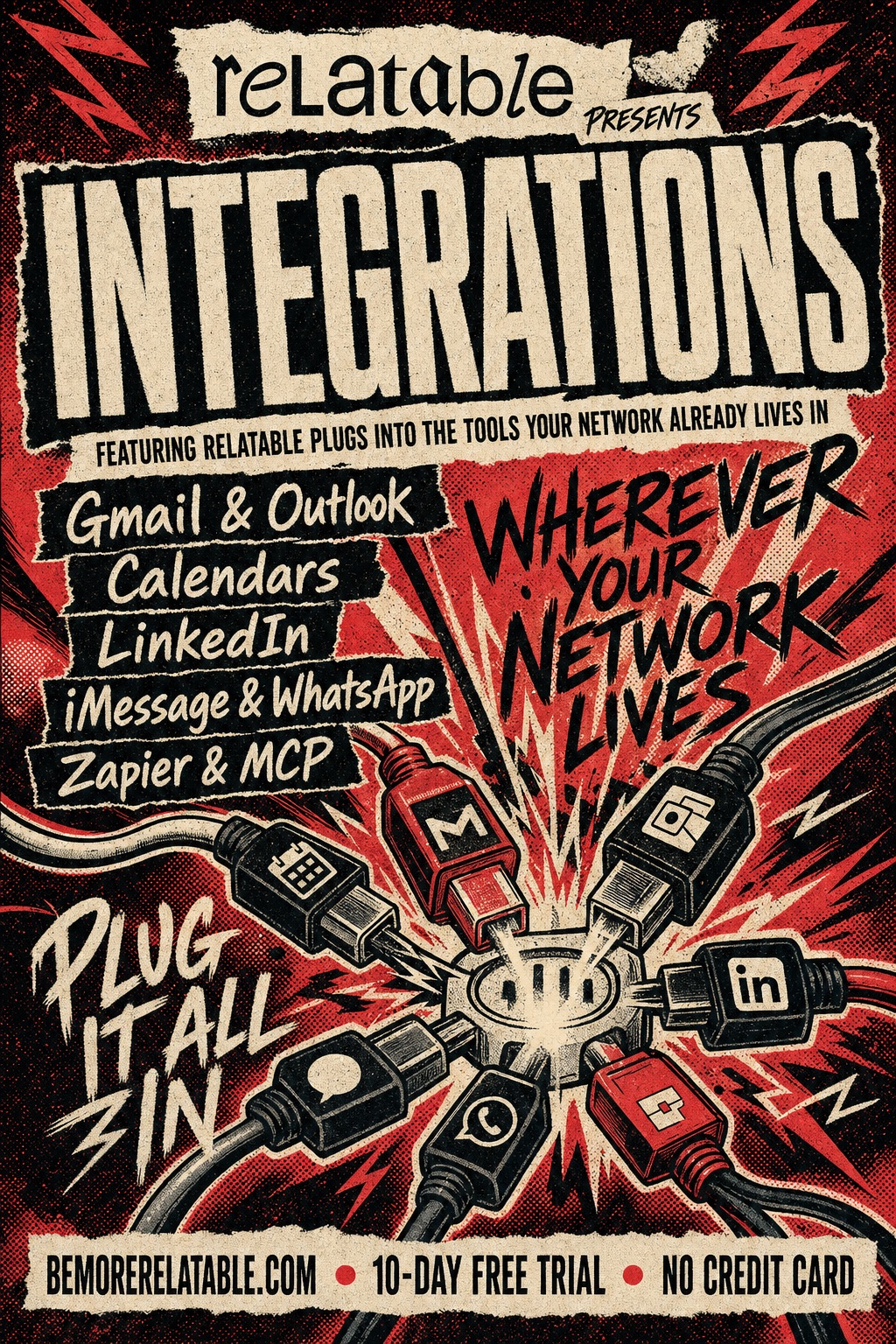
Relatable plugs into the tools your network already lives in
Your network, wherever it already lives.
Relatable doesn't ask you to move your relationships. It reaches into the tools your network is already scattered across — email, calendar, LinkedIn, iMessage, WhatsApp, phone calls, even the AI tools you work in — and unifies everything on one profile per person.
Sound familiar
The stuff that slips.
- Your network lives in eight places. You spend time moving data, not building relationships.
- The last conversation you had with someone is buried in a Gmail thread, a calendar event, and two iMessage scrolls.
- "Write it down" means switching apps five times.
Step by step
How it works
Connect once
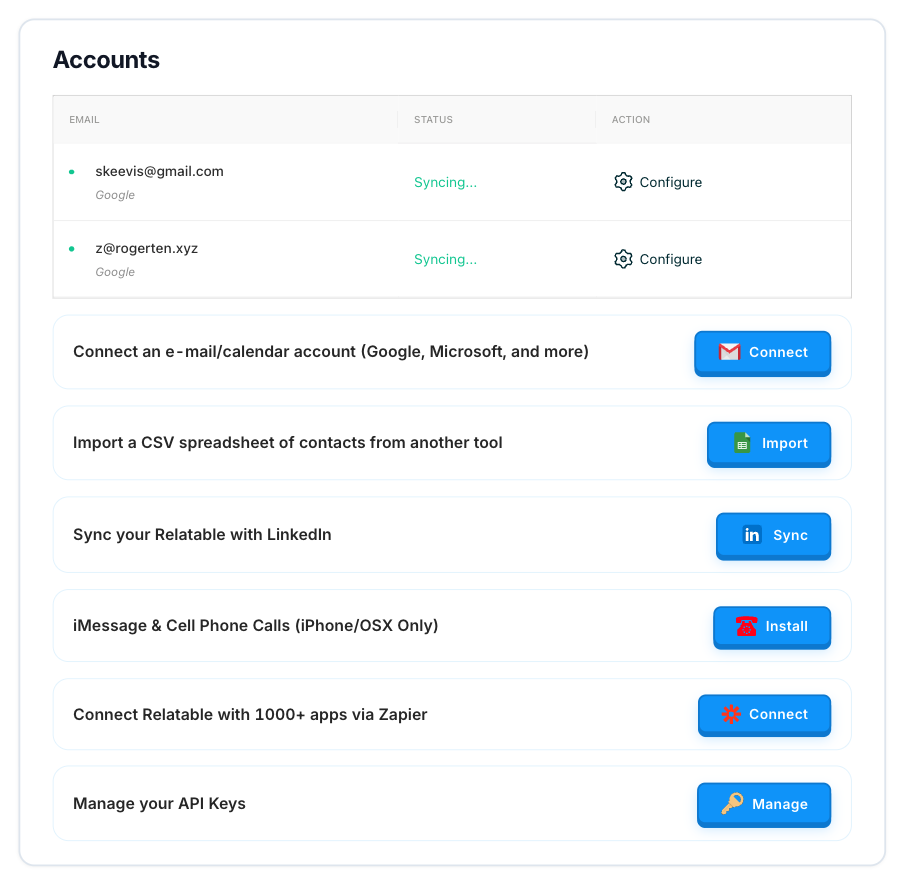
OAuth with Gmail or Outlook, sign in to LinkedIn, install the macOS app for iMessage and calls, hook up Zapier, authenticate any MCP client.
Relatable syncs in real time
Push notifications where the provider supports them; scheduled sync everywhere else.
Every contact gets a unified timeline
Email, meetings, LinkedIn moves, iMessage, phone calls, WhatsApp — all in one place, on one profile per person.
What it does
What Integrations does
Gmail & Outlook
Real-time email sync, send on your behalf, open tracking, multi-alias support.
Google Calendar & Outlook Calendar
Meetings automatically attach to the right contacts on your network.
Connections, profile data, job-change triggers when someone moves roles.
iMessage & WhatsApp (macOS)
Native macOS app pulls your mobile conversations into the timeline.
Phone calls (macOS)
Call logs — inbound, outbound, missed — attributed to the right contact automatically.
Zapier
Bi-directional — trigger Zaps on Relatable events, create records from thousands of other apps.
MCP — every AI tool out there
Claude, Cursor, Zed, Goose, or any MCP-compatible AI client reads and writes your Relatable data with OAuth.
In the wild
How people use Integrations
See Integrations for yourself.
Start a free trial and use Integrations on your own network.
Get Started FreeThe fine print
Frequently asked questions
Do I have to connect everything at once?
No. Connect what's useful now; add the rest later. Each integration is independent.
Is email sync real-time?
For Gmail, yes — push notifications. For Outlook and other providers, it's near-real-time (seconds, not minutes).
Is the iMessage app on Windows?
No. iMessage itself is macOS-only, so the desktop app runs on macOS. Windows users can still sync via Gmail, LinkedIn, Zapier, and MCP.
How do I connect Claude or another AI client?
See the MCP page — one OAuth flow, per-client permissions.
What happens to my data in these systems?
Relatable reads; it doesn't move data. Your email, calendar, and LinkedIn data stay where they live; Relatable mirrors what's relevant for relationship tracking.
Your network, amplified
Your network is your edge.
Start your free trial and see how Integrations works on your own relationships.