A pipeline that doesn't forget the human
A pipeline for relationships, not transactions.
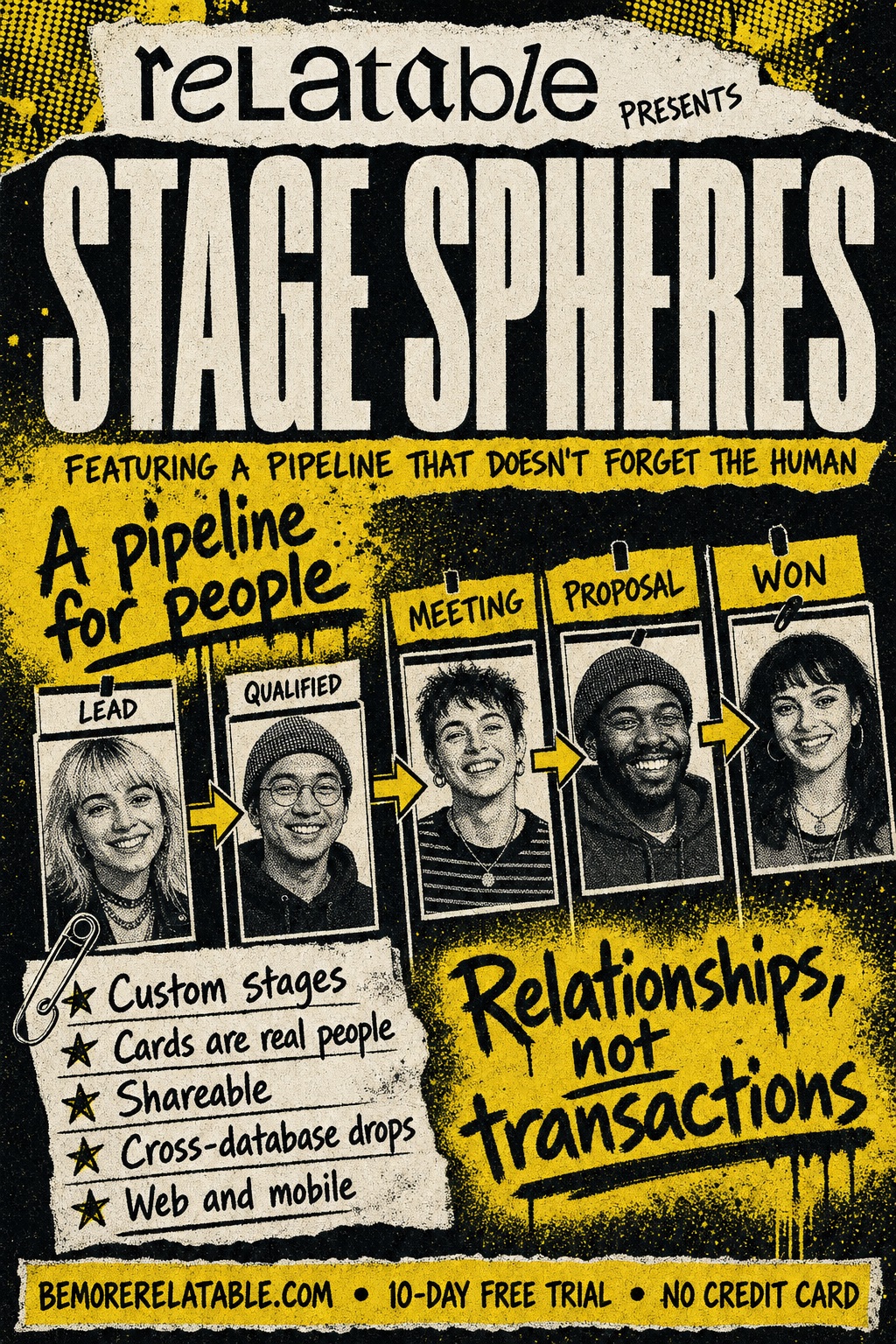
Stage Spheres turn any relationship process — hiring, fundraising, partnership conversations — into a kanban with columns you define. Drag contacts between stages. Share the board with your team. Every card is a real person, with a full history.
Sound familiar
The stuff that slips.
- Deal-pipeline tools force relationships into sales-shaped boxes.
- Your hiring funnel, your fundraising process, and your partnership pipeline are the same shape underneath — but no tool reflects that.
- Kanban boards are great until you want them to remember real context about each person.
Step by step
How it works
Start with a template
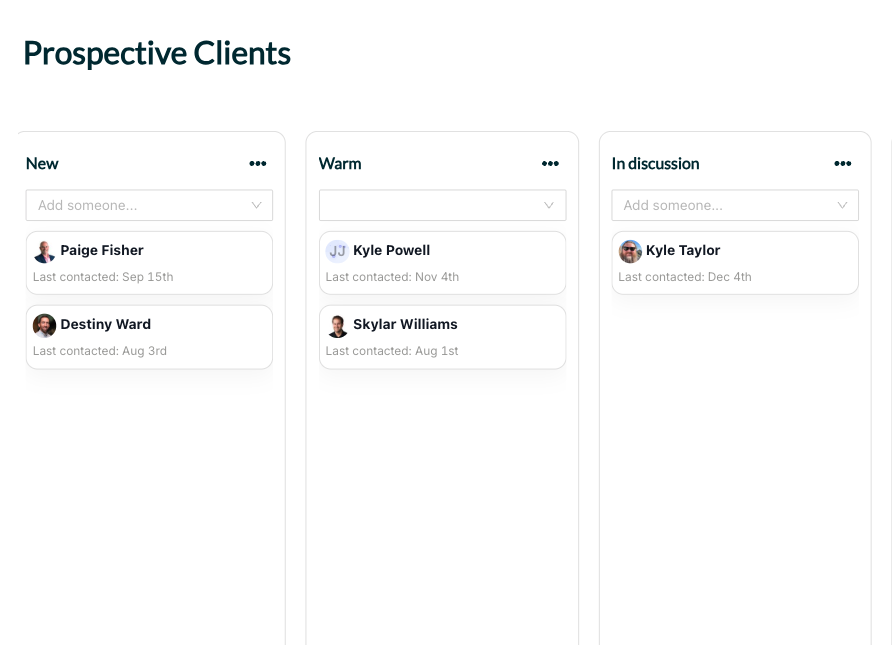
Four stages out of the box — New, Warm, In discussion, Final. Rename any of them. Add more. Remove what you don't need.
Add contacts as cards
Each card is a real contact profile — full history, notes, interactions — not a deal stand-in.
Drag between stages
Where they are in the process is always obvious. Drag across columns on the web; swipe between stages on mobile.
What it does
What Stage Spheres does
Custom stages
Start with four, rename/reorder/add/remove. Your process, your columns.
Each card is a real contact
Full history, Spheres, notes, interactions, a click away. The card isn't a deal — it's a person.
Shareable with your team — or externally
Read-basic, read-full, or write access. Co-workers and outside collaborators drag cards right alongside you.
Cross-database drops
A collaborator dragging one of their contacts into your Stage Sphere syncs the person over automatically.
Web and mobile
Drag on the desktop; swipe on the phone. Same board, same state.
In the wild
How people use Stage Spheres
See Stage Spheres for yourself.
Start a free trial and use Stage Spheres on your own network.
Get Started FreeThe fine print
Frequently asked questions
How many stages can I have?
As many as you want. Start with four, add more, remove some — it's your board.
Can I share with someone outside my team?
Yes. Stage Spheres support personal sharing (invite a specific person by email), team sharing, and global sharing via a link.
Can collaborators edit, or just view?
Either. Access levels: read-basic, read-full, or write. Write access lets them drag cards and edit the board.
Does it replace my sales CRM?
If you have a real sales motion with forecasting, commissions, and ARR tracking — probably not. Stage Spheres are for relationship-driven pipelines — hiring, fundraising, partnerships, M&A — where the human matters more than the stage name.
Can a contact be on multiple Stage Spheres?
Yes. The same person can be a fundraising card on one board and a partnership card on another.
Your network, amplified
Your network is your edge.
Start your free trial and see how Stage Spheres works on your own relationships.