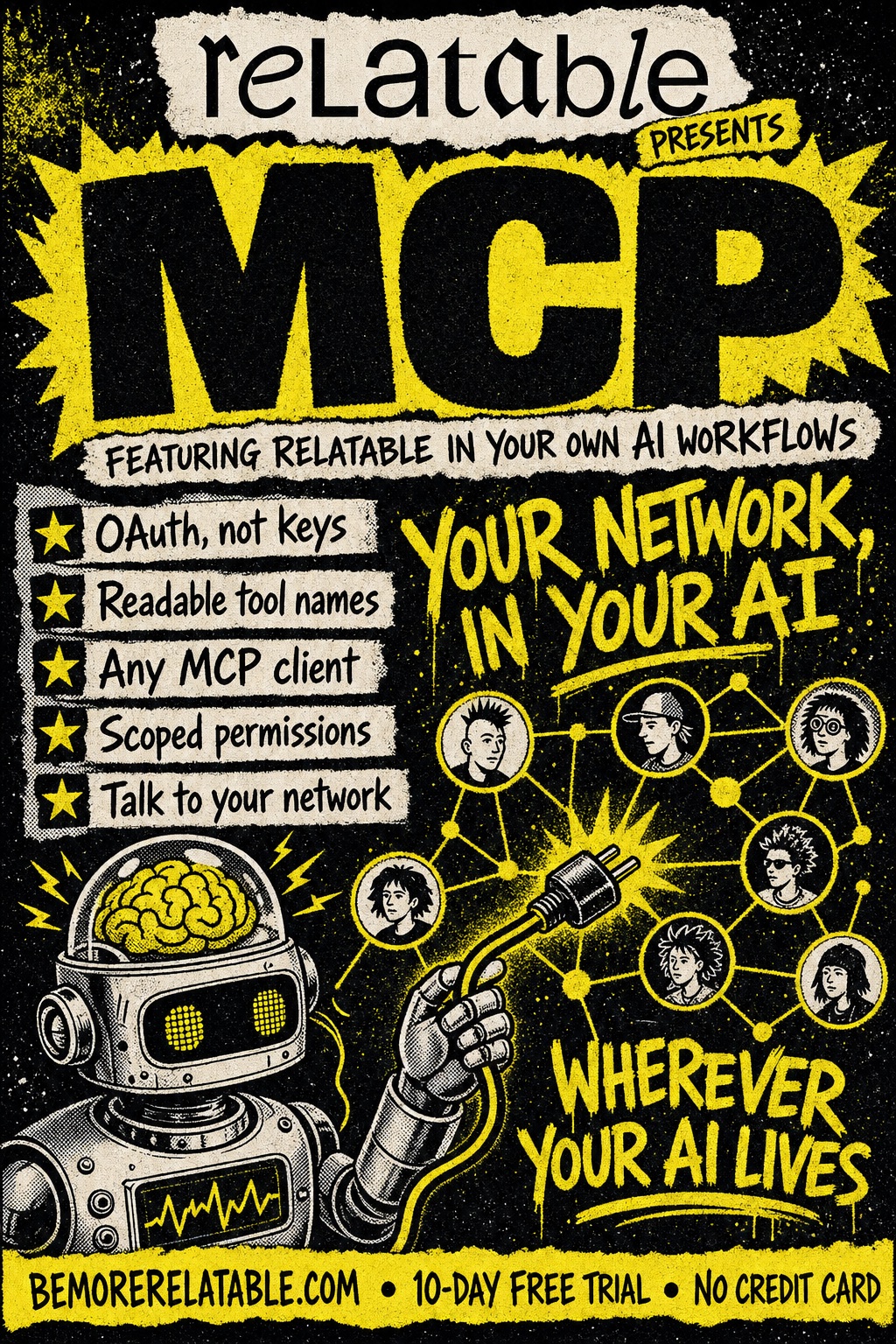
Relatable in your own AI workflows
Your network, wherever your AI lives.
Connect Relatable to Claude, ChatGPT, Cursor, Zed — any MCP-compatible AI client. Secure OAuth access. Your contacts, interactions, and notes, queryable from the tools you already work in.
Sound familiar
The stuff that slips.
- Your AI assistant has no idea who's in your network.
- You keep copy-pasting context into ChatGPT every time you prep for a meeting.
- Your relationship data is trapped inside one app, unreachable from the tools you actually use.
Step by step
How it works
Connect your MCP-compatible client
Claude Desktop, Cursor, Zed, or any tool that speaks MCP. One setting, one link.
Authenticate with OAuth
No API keys to copy, no tokens to paste. Sign in once and grant access in a normal consent screen.
Your AI can now use Relatable
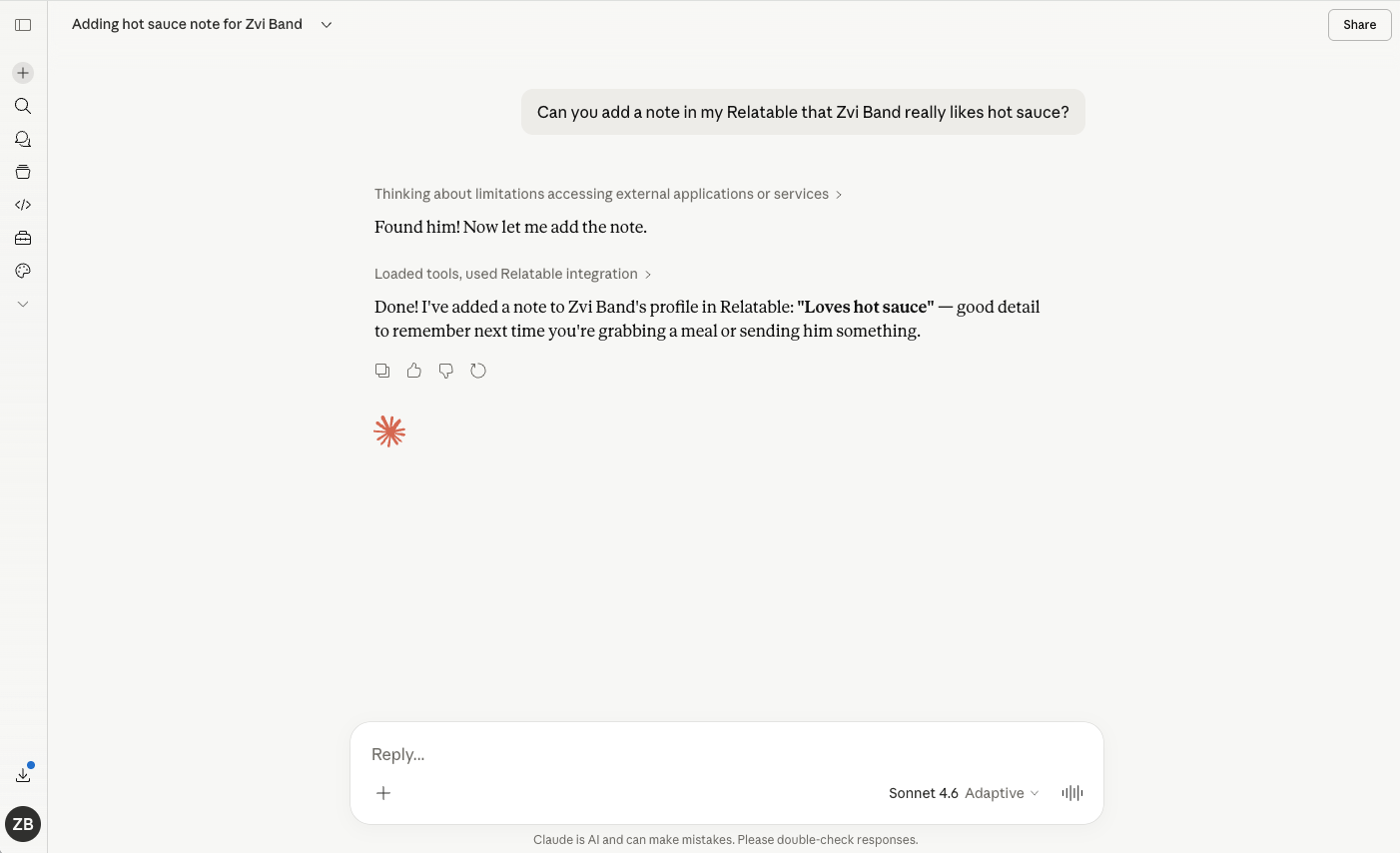
Ask Claude who to reach out to today. Have Cursor summarize last week's meetings. Build your own agent on top of your network.
What it does
What MCP does
OAuth, not API keys
A real consent screen. No secrets floating in a config file. Revoke access per client, anytime.
Readable tool names
Your AI sees clean, human tool names — not cryptic endpoints. It knows how to use them without prompting.
Works with every MCP client
Claude Desktop, Cursor, Zed, Goose, your own custom agents. If it speaks MCP, it connects.
Scoped permissions
Grant read-only for one client. Grant writes for another. Different AIs, different levels of trust.
In the wild
How people use MCP
The fine print
Frequently asked questions
What is MCP?
MCP stands for Model Context Protocol. It's an open standard that lets AI clients (like Claude Desktop, Cursor, and Zed) securely connect to tools and data sources. If you've used one MCP client, you already know how to use Relatable with all of them.
Which AI clients work with Relatable's MCP?
Any MCP-compatible client: Claude Desktop, Cursor, Zed, Goose, and custom agents you've built yourself. The list grows every month as more clients adopt the standard.
Is it secure?
Yes. We use OAuth — the same standard that protects your sign-ins across the web. Access is granted per client, scoped to what you approve, and revocable at any time.
Can I revoke a client's access?
Anytime, from your Relatable account settings. Connected clients are listed individually, and disconnecting one doesn't affect the others.
Do I need to be technical to use this?
No. If you can sign in to a website, you can connect Relatable to an MCP client. It's the same OAuth flow you've used to connect Google or GitHub to something.
Your network, amplified
Your network is your edge.
Start your free trial and see how MCP works on your own relationships.